Turn Intent Into Action Across Your Workflow

Lynx goes beyond suggestions. It can plan, execute, and keep a task moving across your workflow, all while staying within your control.

A desktop scene where Lynx acts directly on the current workspace

Action Starts Directly From the Current Scene.

Lynx can execute without leaving the current workflow.

It picks up the task directly from what you are viewing, the current app, the selected area, the current directory, and the current state.

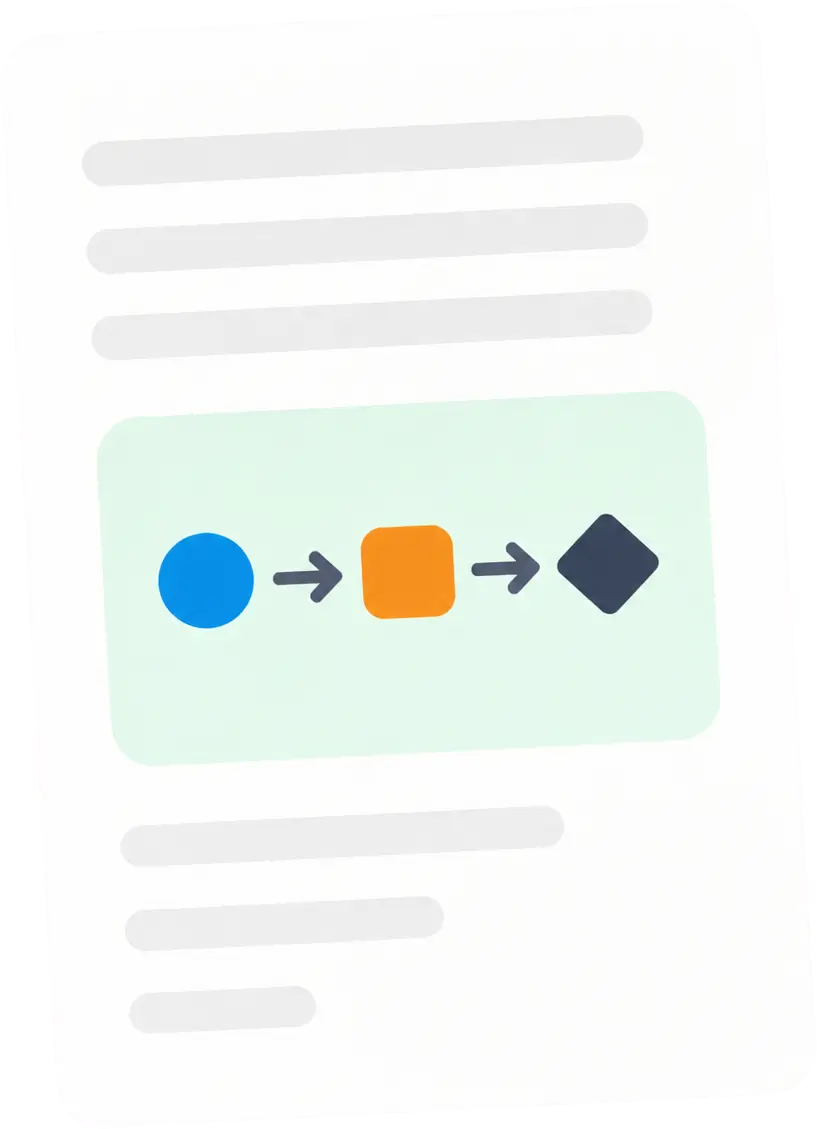
A small icon for content-driven actions

Start From The Current Content

The current page, document, message, or even a selected passage can become the starting point of an action. You do not need to copy content or organize context first. A request like “reply to this,” “rewrite this paragraph,” or “summarize this page” is enough. Lynx acts from what you are already looking at and puts the result back where it belongs.

A small icon for location-aware actions

Start From WhereYou Work

Lynx does not just know what you are doing. It also knows where you are doing it. It can recognize the current app, window, page, directory, and workspace. Whether you are in a browser, document, email thread, or file directory, it can act in place instead of sending you somewhere else.

A small icon for intent-driven actions

Start From Your Immediate Intent

You do not need to organize a complex instruction or break the task apart in advance. A spoken sentence, a quick addition, or even “continue from here” is enough for Lynx to turn your intent into a concrete next action and begin immediately. It does not stop at understanding what you want. It continues the work from there.

Lynx Does Not Just Take One Step,
It Finishes the Whole Task
.

Lynx does not simply respond to a request.

It can start from the current context, break down the goal, invoke the right tools, and keep moving until the task is complete.

Simple actions happen immediately. Complex tasks can be carried through across the full chain.

Light Actions,Finished Directly

Replies, summaries, rewrites, extractions, and organization can all be completed directly from the current context. You do not need to copy content or explain the background first. One sentence is enough for Lynx to pick up what you are working on and place the result back where it belongs.

Perfect for the high-frequency small things: email replies, message summaries, document polishing, page extraction. The point is not to generate more content, it is to remove switching, copying, and repetitive operations.

A light, in-place reply suggestion appearing inside the current app

Complex Tasks, Broken Into Steps

When a task can no longer be finished in one sentence, Lynx understands the goal first, then breaks it into steps and advances them one by one. You can see its plan and adjust at key moments.

This is not simple automation. It turns a vague goal into a clear path, so a complex task can keep moving naturally.

A planner laying out the steps of a complex task

Powerful Agent,Handling The Whole Thing

In Agent mode, Lynx does not stop at a single step. It handles the whole task. It gathers information, plans the path, invokes tools, and keeps executing along the task chain until the result is delivered.

From goal to outcome, the whole process stays inside one execution system. You can confirm each step, or let it continue automatically within the boundaries you set.

An agent system executing a multi-step task end to end

Acting Across The Entire System Is What Truly Makes An Agent.

Real work does not stay inside one tool.

Lynx runs at the operating-system layer and pushes tasks across apps, content, and tools, so execution actually happens across your entire workspace.

Across Desktop Apps

Browsers, email, calendars, notes, and the file system no longer have to be separate operating spaces. Lynx can move across them continuously, carrying a task from one app into the next instead of stopping halfway through.

You do not need to switch tools manually or stitch the work together. The task continues along the workflow rather than being broken at the app boundary.

Across The Content Layer

Most AI agents ask you to manually connect services, grant permissions, and wait for sync. Lynx does not.

After installation and one round of system permissions you trust, it can work with the apps you already use—communication tools, design software, productivity suites, browsers, meeting apps, note-taking tools, and more.

There is no OAuth setup, no linking dozens of accounts, and no waiting on third-party APIs. It works directly with real apps and real data, out of the box.

Across The Tool Layer

Built-in capabilities, MCP tools, and modular skills can collaborate inside the same task. Lynx automatically picks the right combination based on the goal, instead of asking you which tool to use.

From gathering information, to processing it, to producing a result, these capabilities are organized into one execution path. That is what gives Lynx full agent behavior.

A Local AI Agent with Structure

A Carefully Designed
Control System Behind It.

Autonomy Control#1
Control Modes

Control Modes

Choose how autonomous Lynx becomes. Run tasks in Explore, Ask to Edit, or Execute mode - from safe analysis to full autonomous action. You decide the level of control for every operation.

Modular Capabilities#2
Skills & MCPs

Skills & MCPs

Modular intelligence, activated when needed. Enable specific skills and MCP modules per task to expand capabilities - from file operations to advanced workflows. Powerful when you need it. Contained when you do not.

Human Oversight#3
Intuitive UI for Decisions

Intuitive UI for Decisions

Human decisions, made effortless. When AI needs your input, Lynx presents structured, clear choices in a clean interface. Less thinking about the AI. More deciding what matters.

Structured Reasoning#4
Planner Mode

Planner Mode

Think before acting. Planner Mode breaks complex requests into structured steps, showing you the execution plan before anything runs. Review. Adjust. Approve. Then proceed with confidence.

Native Integration#5
Native App Sync

Native App Sync

Works directly with your system - not through hacks. Sync Gmail events, local calendars, and task lists seamlessly. When something changes, Lynx adapts in real time and updates reminders, tasks, and workflows automatically.

Outputs Management#6
Artifacts

Artifacts

Outputs you can reuse. Lynx manages structured artifacts - documents, code, summaries, and plans - that remain accessible and editable. Not just chat responses, but reusable results.

Live Context Awareness#7
Browser Control

Browser Control

Understands what you are viewing. Lynx detects your active tab, reads context from your browser, and acts accordingly - without copying links or explaining where you are. Context first. Action second.

Long-Term Memory#8
Persistent Memory

Persistent Memory

Remembers what matters. Lynx preserves structured memory across sessions and continuously improves over time. No need to start over each time. Local memory. Continuous intelligence.

Ready To Change How You Work With AI?

Let AI see, hear, think and act inside your workflow—from input to outcome, everything moves forward naturally.